Hello there!
Need Help? We are right here!

Need Help? We are right here!
Search Results:
×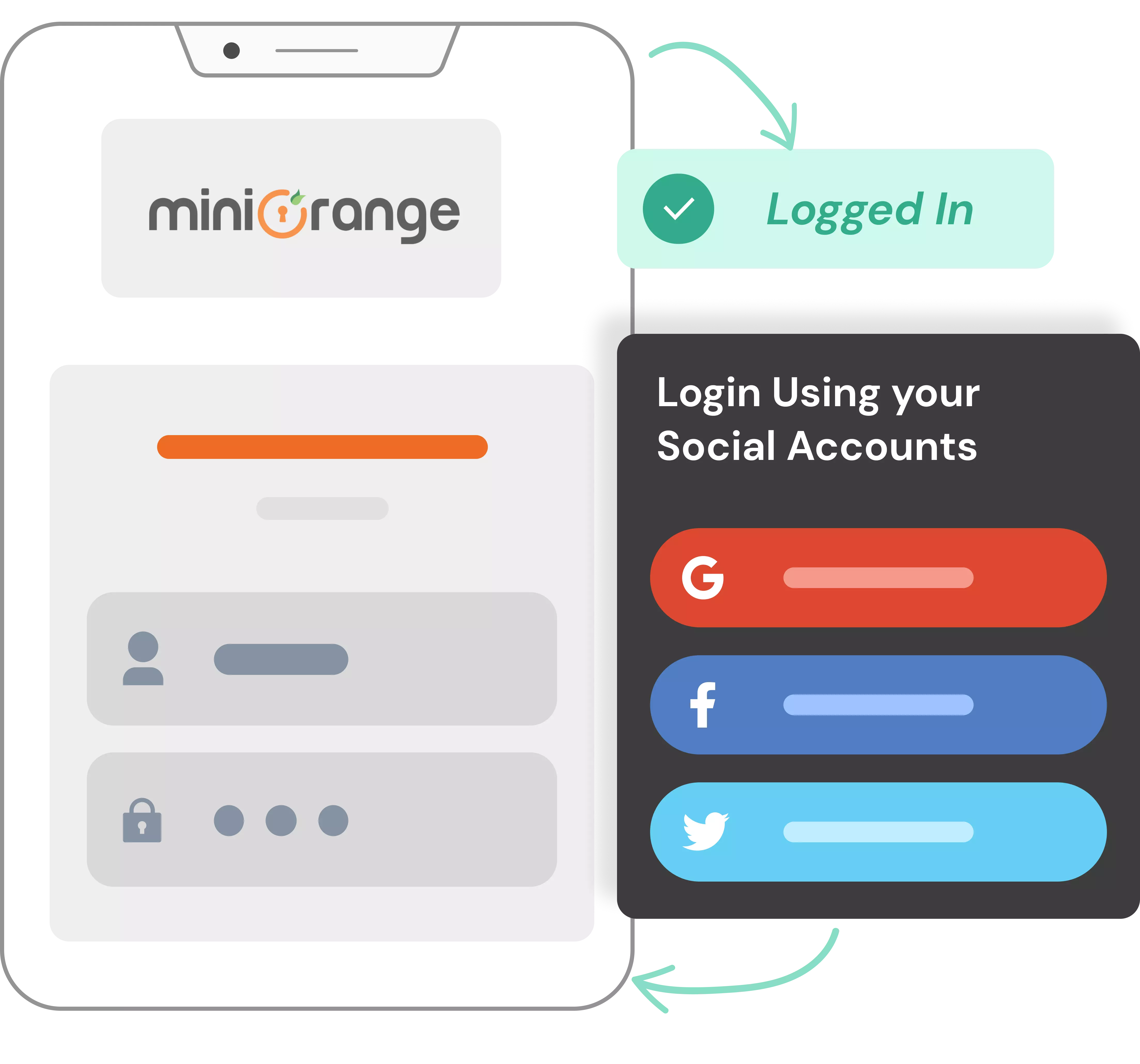
Social login, also known as social sign-in or social authentication, allows users to access an application using an existing account from a social identity provider instead of creating and remembering another username and password.
With social login, users sign in with social media, such as Google, Apple, Facebook, Microsoft, or LinkedIn. It removes unnecessary steps from registration and sign-in.

Cut down the registration details required by letting users sign up using a social account they already have.

Provide a familiar and more convenient sign-in experience across web and mobile applications.

Reduce password fatigue by letting users choose a provider they already recognize instead of creating another set of credentials.

Increase your conversion rate by reducing friction during account creation. Make login as easy as it gets.

Retrieve permitted profile information from supported identity providers to streamline account creation and personalization.

Increase user confidence by authenticating through identity providers users already recognize and trust.
Sign in with accounts you already use. Connect Google, Facebook, Apple and others through one secure social login platform.








Connect your applications with a broad range of social and identity providers. Give users the flexibility to choose a provider they already use.
Add social authentication without building separate integrations for every provider. Connect your application with supported providers through a unified solution.
Make social login fit your application. Customize the button design, placement, icons, themes, and appearance to match your existing UI.
Allow users to associate multiple social accounts with a single application account. Give them more flexibility in how they access your application.
Capture allowed profile attributes and map them directly into your user database. Use the information you need to support user authentication.
Deploy in the cloud, on-premise, or hybrid infrastructure based on compliance needs and your organization’s requirements.

*Please contact us to get volume discounts for higher user tiers.
Combine social login with SSO, MFA, passwordless authentication, identity brokering, user management, and other CIAM capabilities as your requirements grow.
Deploy your identity solution according to your organization's security, infrastructure, and compliance requirements.
Control every aspect of your authentication layout and user interface. Customize the login experience to fit your existing UI and user journey.
Choose plans based on your user volume and requirements, with volume discounts available for higher user tiers.
Social authentication lets users sign in to your website or app using their credentials from an existing social media account, eliminating manual registration.
Social login lets users authenticate with an account from a social or consumer identity provider, such as Google, Facebook, Apple, or LinkedIn.
SSO is a broader authentication approach that lets users access applications through a centralized identity provider. Social login can be used as part of a customer authentication strategy, while enterprise SSO commonly uses identity providers and protocols such as SAML, OAuth 2.0, or OpenID Connect.
miniOrange Social Login supports 40+ social and identity providers. Popular options include Google, Facebook, Apple, LinkedIn, Twitter/X, GitHub, and Microsoft.
Yes. miniOrange unifies social authentication with enterprise identity federation (Active Directory, LDAP, ADFS, Entra ID) to secure both customer and workforce applications across cloud or on-premise environments.






































How Does Social Login Work?
miniOrange Social Login uses OAuth 2.0 and OpenID Connect to connect applications with social identity providers.
Accessing Your Application
Users try to access your application or website. They select a social login button for a provider such as Google, Facebook, Apple, or Microsoft.
Social Identity Provider
The user is redirected to the selected provider’s authentication page. The provider manages the sign-in process and requests the permissions needed to share approved information with your application.
User Authentication
The user authenticates with the social identity provider using their existing account credentials. The provider verifies the identity without sharing the user’s credentials with your application.
OAuth 2.0 / OpenID Connect
The identity provider uses OAuth 2.0 or OpenID Connect to exchange information like an authorization code or an access token.
Authenticated Application Session
After successful authentication, the provider redirects the user back to your application. Your application validates the response and retrieves the permitted user information. Your application creates the user’s account and starts an authenticated session.